Studio Stage.
One button spawns a full product-photography studio in Blender — a seamless sweep, a calibrated four-light rig, and a full-frame camera — then hands you curated controls to color it, light it, and shoot your own product. Local, no lock-in, bring your own HDRI. Works in EEVEE and Cycles. This is the how-to.
01Install
Open Preferences
In Blender: Edit → Preferences → Add-ons → Install…
Pick the zip
Select studio_stage-1.1.4.zip — don't unzip it first.
Enable it
Tick the checkbox next to Studio Stage. The panel appears in the 3D viewport's N-panel (press N → Studio Stage tab). Works in EEVEE and Cycles.
02Quick start
Four moves from a blank scene to a finished shot. Everything after is refinement.
Build the studio
one clickOpen the Studio Stage panel and click Build Studio. A sweep, four lights, and a camera appear.
Add your product
use my objectImport or select your object, then click Use My Object — the stage sizes itself around it and points the camera.
Style it
livePick a background finish, a color palette, and a lighting look. Every control updates live in the viewport.
Shoot
renderSet your focal length and depth of field, then render (F12). Bring your own HDRI any time for extra realism.
03The panel, section by section
Six folds, top to bottom. You'll mostly live in Surfaces, Light, and Camera.
Subject
size the stageTells the studio what you're shooting so it can scale the whole rig around it — lights, sweep, and camera move as a unit.
- Use My Object
- Stage mode: Small products ⇄ Life-size
- Refit
Tip: the stage auto-jumps to Life-size when your object is taller than ~0.9 m, so the same rig shoots a phone or a car with the lighting holding true.
Camera + DOF
the lookOne full-frame camera — no lens-swapping. Focal length is a live slider; depth of field is a real f-stop with an aperture blade count and curated bokeh presets.
- Focal 24–200 mm
- Aperture f/0.7–f/32
- Blades 0–16
- Bokeh presets
- Look Through Camera
Tip: Look Through Camera locks the camera to your viewport so you compose by simply orbiting — then unlock to hold the shot.
Surfaces
colorColors the seamless sweep. Start from a curated palette or go Custom and set the wall and floor by hand; Harmony decides how the floor relates to the wall.
- Palette: White · Warm · Cool · Bold · Custom
- Wall color
- Floor color
- Harmony: Same · Complementary · Analogous
Light
the moodA calibrated key-master rig: set one Brightness and the fill, rim, and overhead follow as photographic stops. Dial global temperature or each light's Kelvin, or drop in a one-click look.
- Brightness 0–100
- Temperature 2700–6500 K
- Per-light Kelvin (key · fill · rim · overhead)
- Look presets
Finish
the surfaceHow the sweep catches light. The wall runs from flat stucco to a mirror polish; the floor is matte or reflective for that under-product gleam.
- Wall: Stucco · Eggshell · Semi-gloss · Polished
- Floor: Matte · Reflective
BYO HDRI
your own lightLoad any HDRI for grounded reflections and ambient fill. Nothing ships with the add-on — it's yours, on your machine, no lock-in.
- Load HDRI
- Strength 0–4
- Rotation
- Reflections only
- Clear
Tip: Reflections only keeps your calibrated rig doing the lighting while the HDRI just adds believable reflections.
04Background options
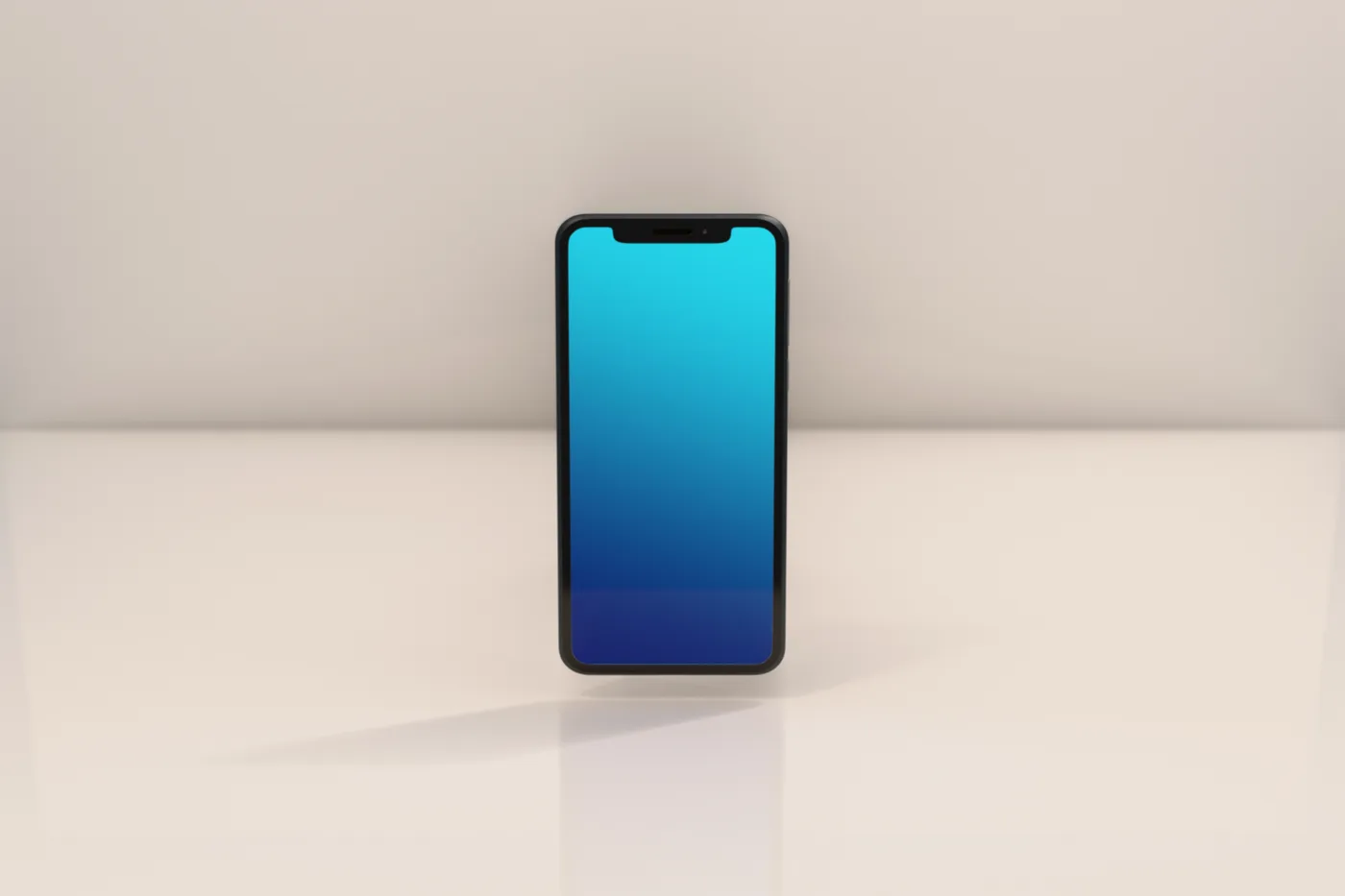
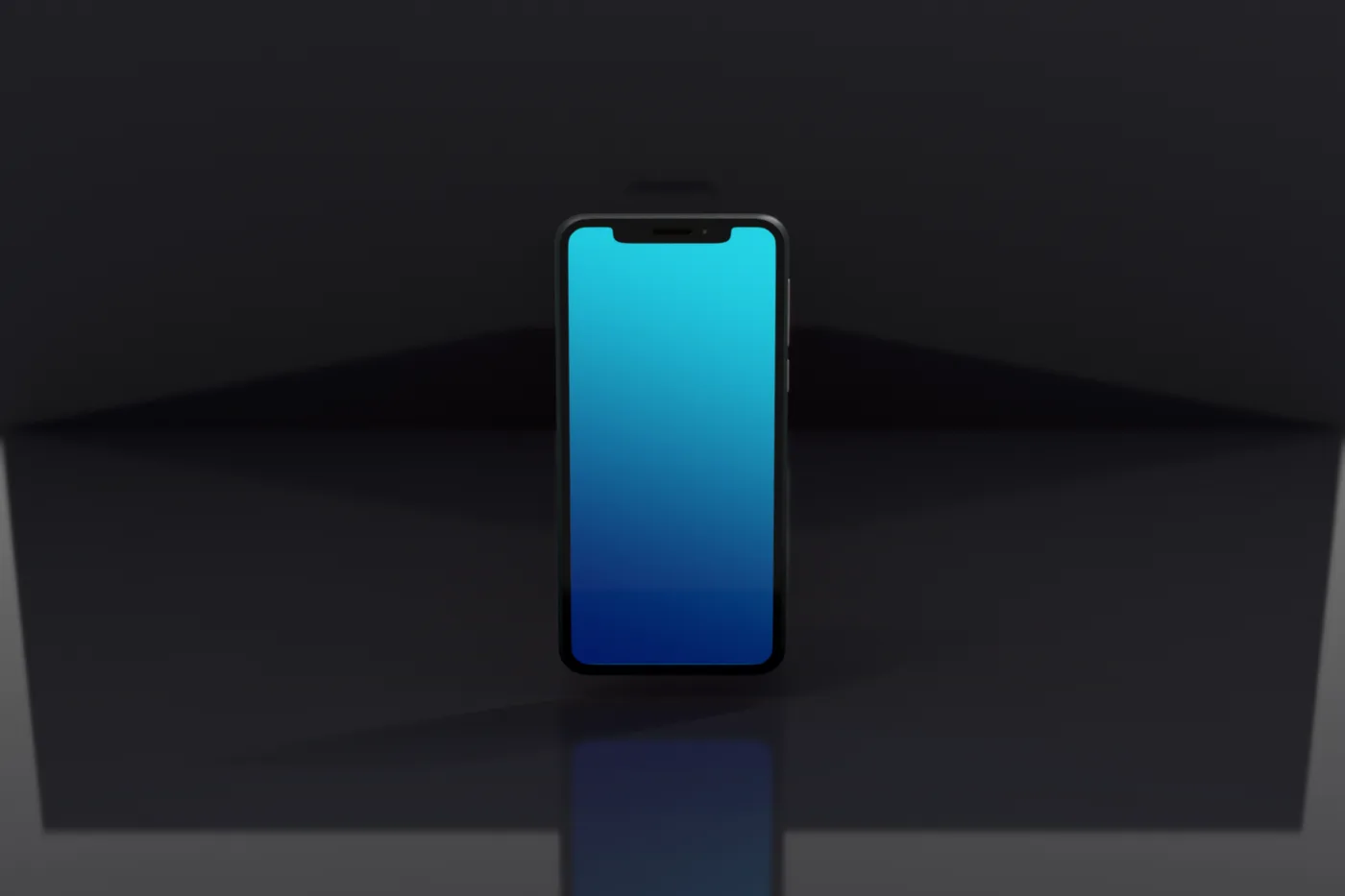
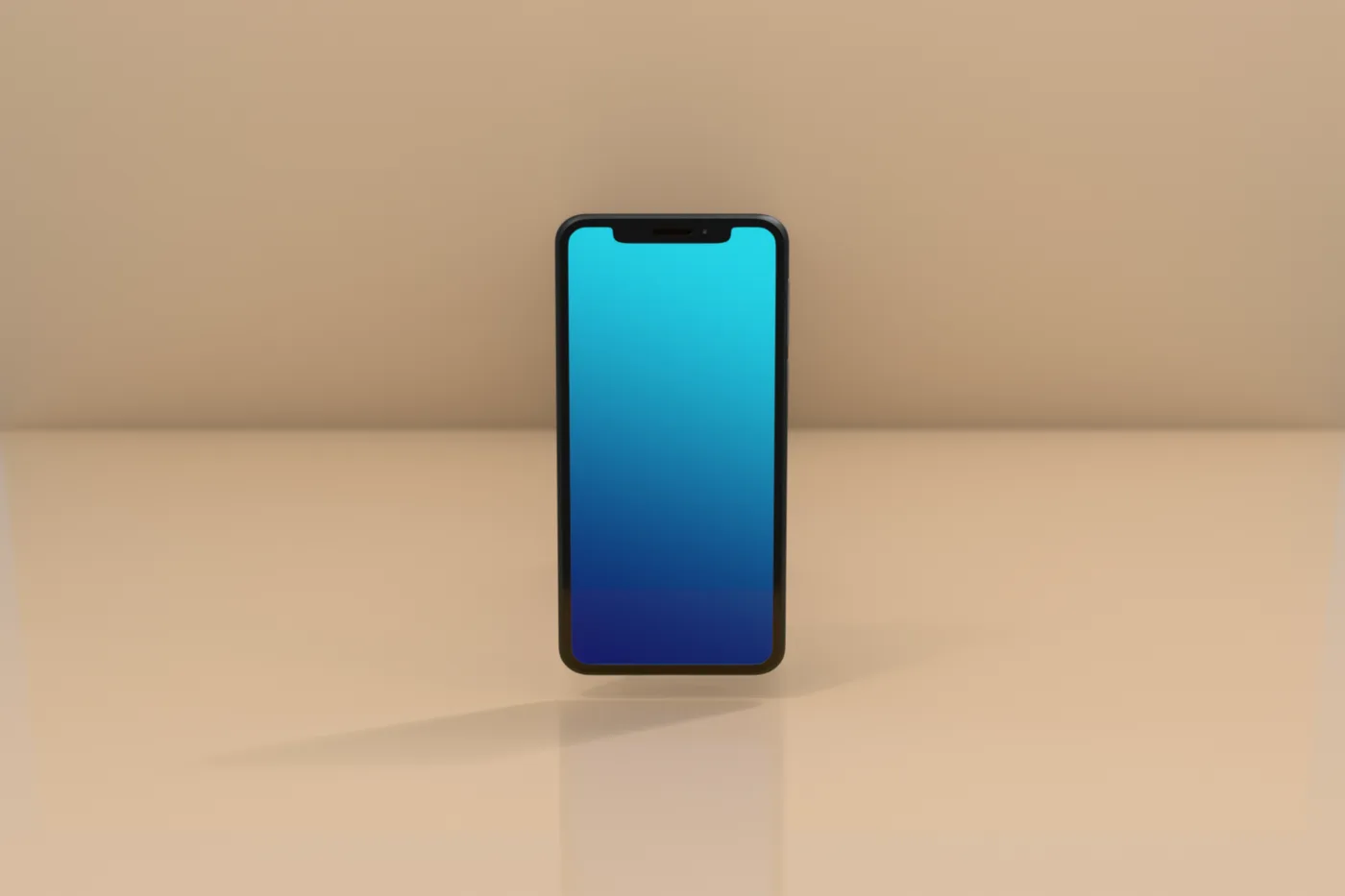
The sweep is one continuous surface — set its color and finish and you've changed the whole backdrop. A few of the range:
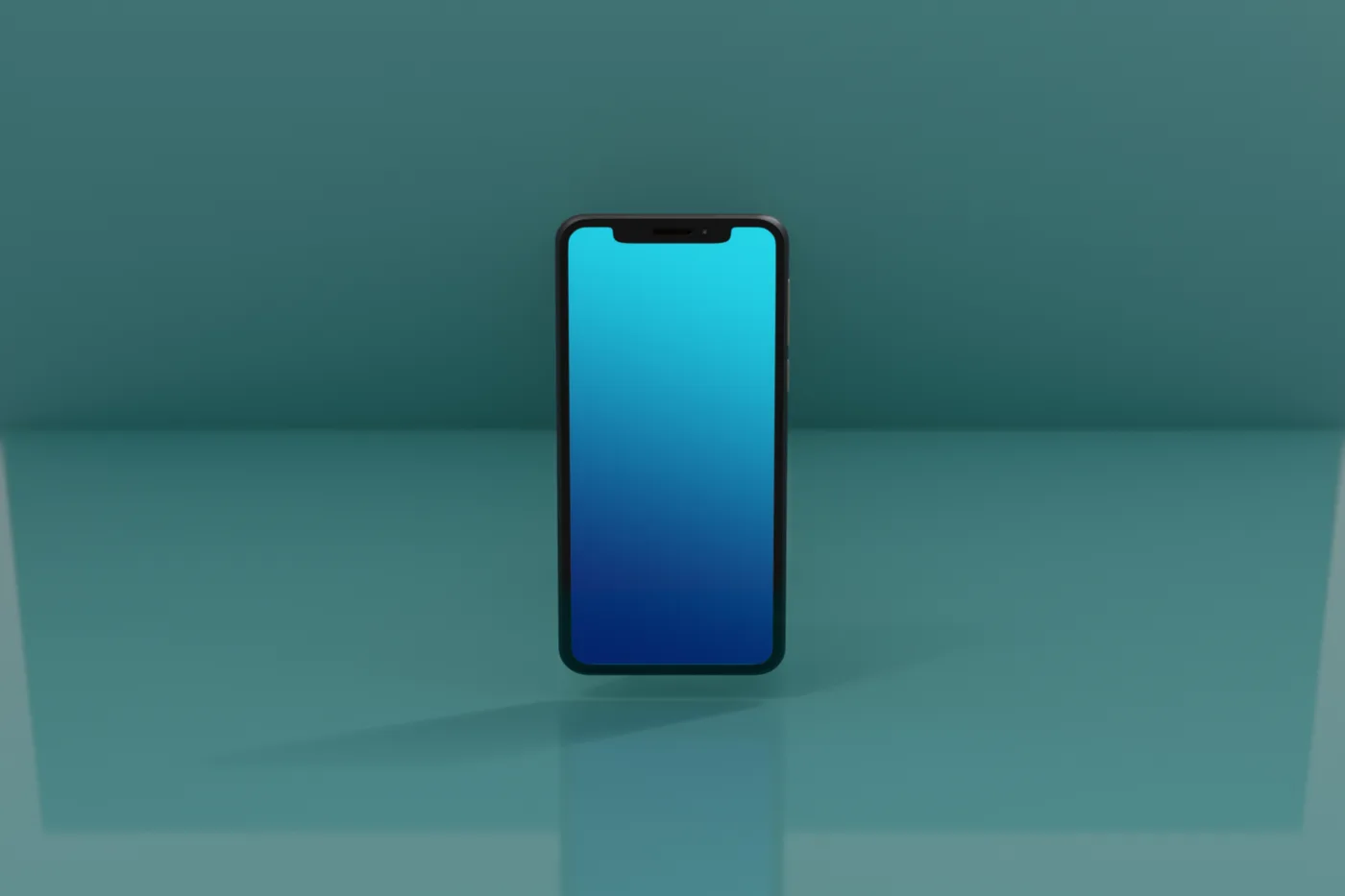
05Color palettes
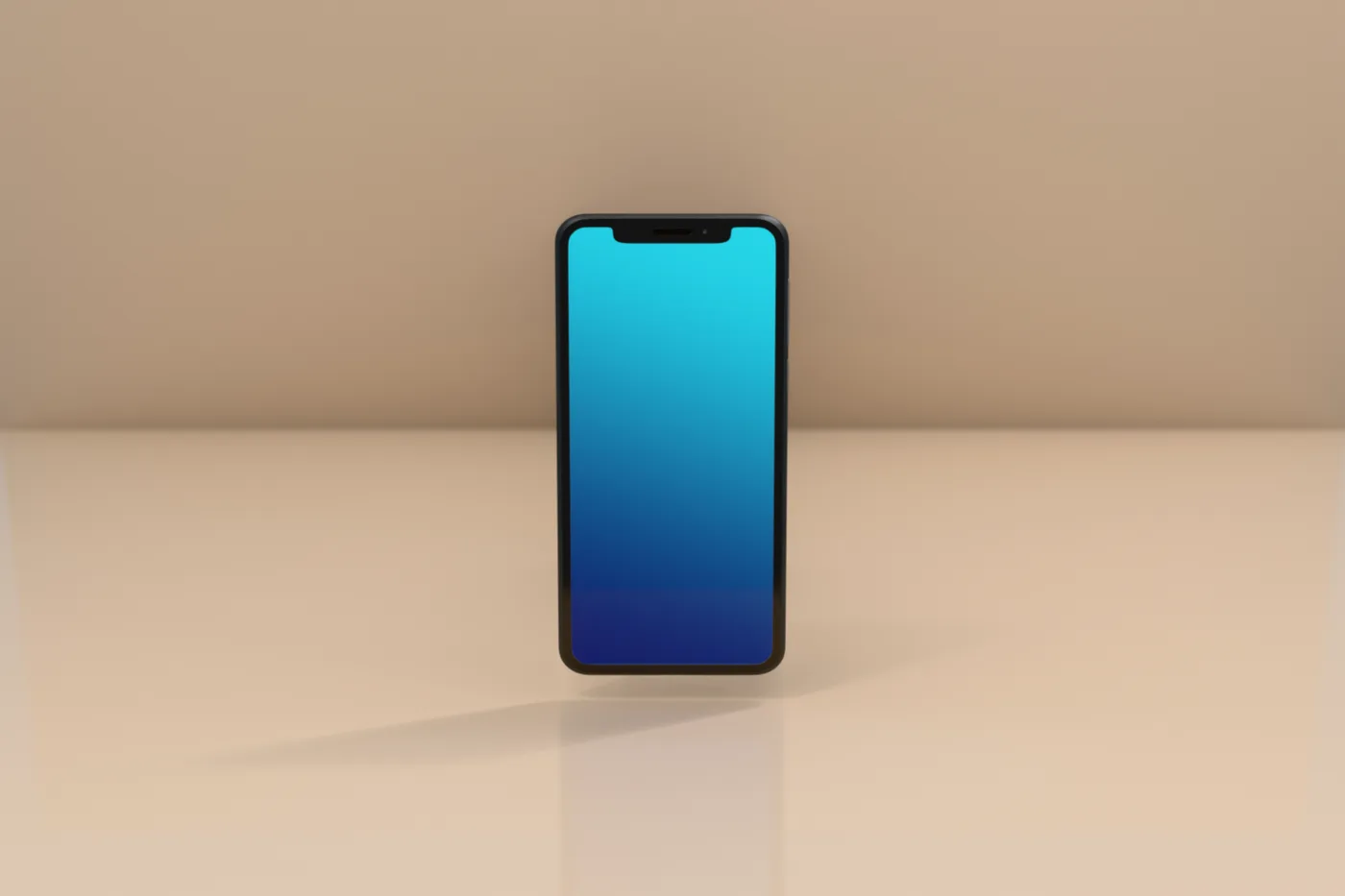
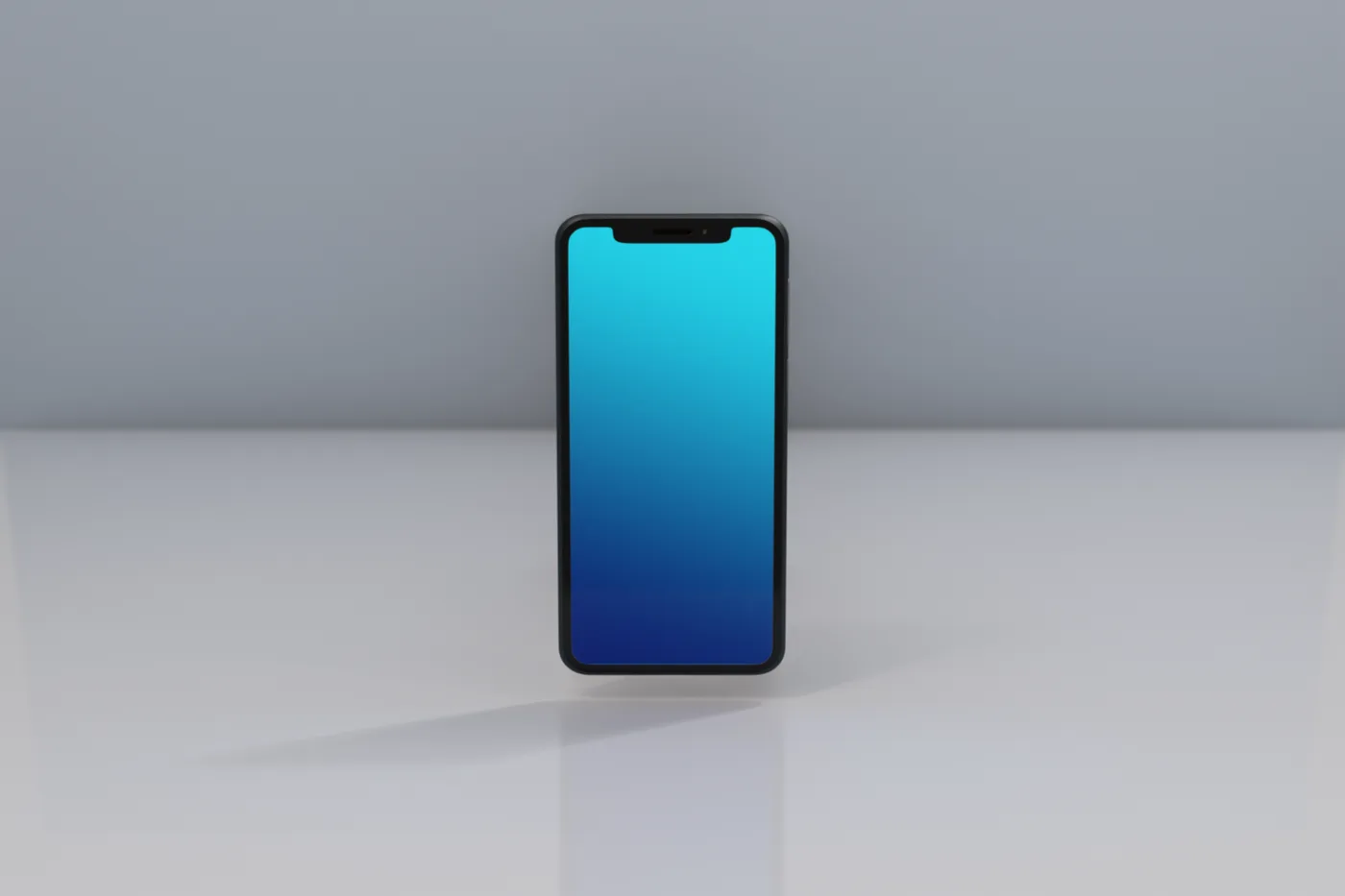
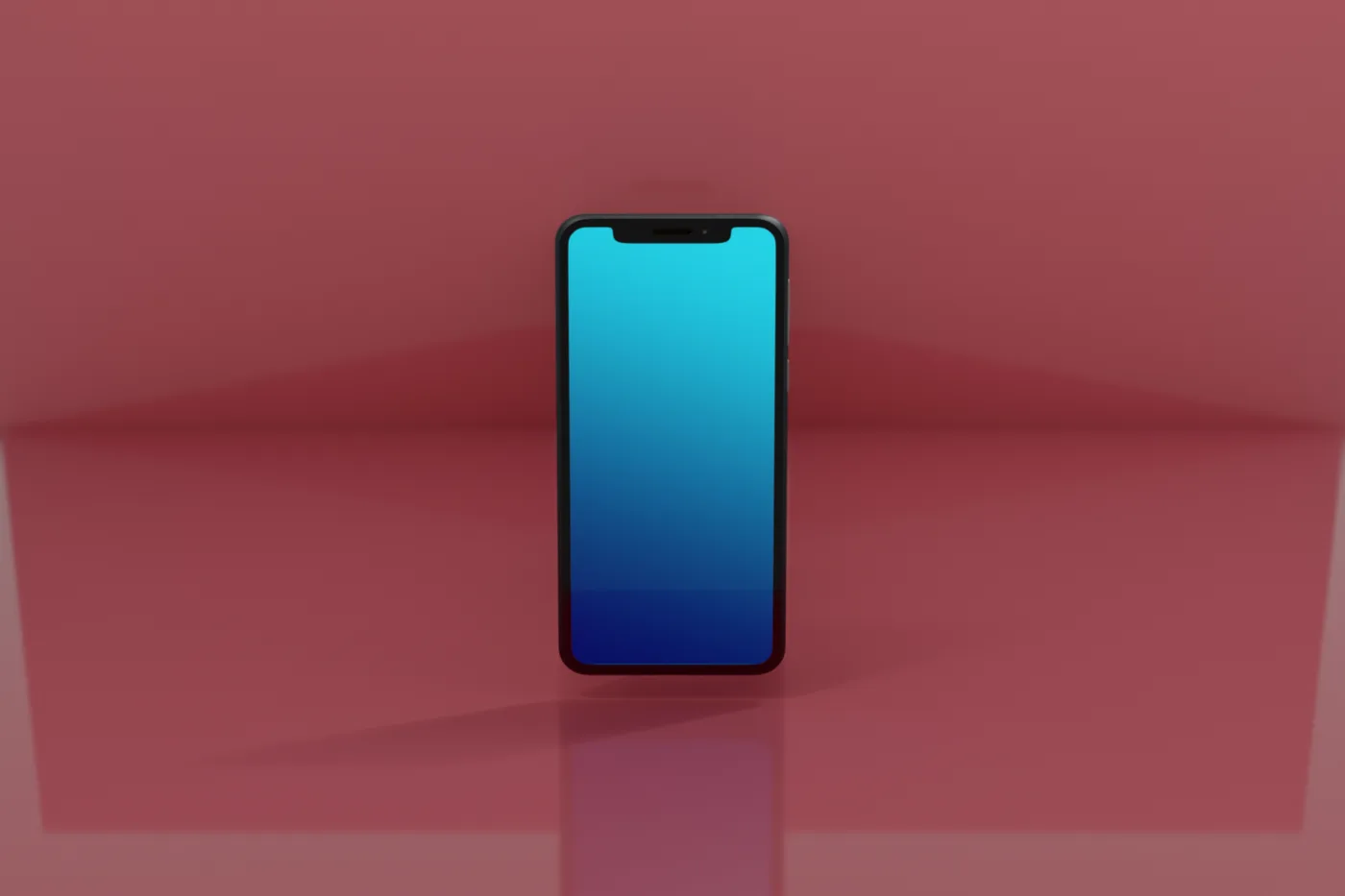
One click coordinates the whole studio. Custom lets you set any color by hand — these are the curated starting points.
06Lens & depth of field
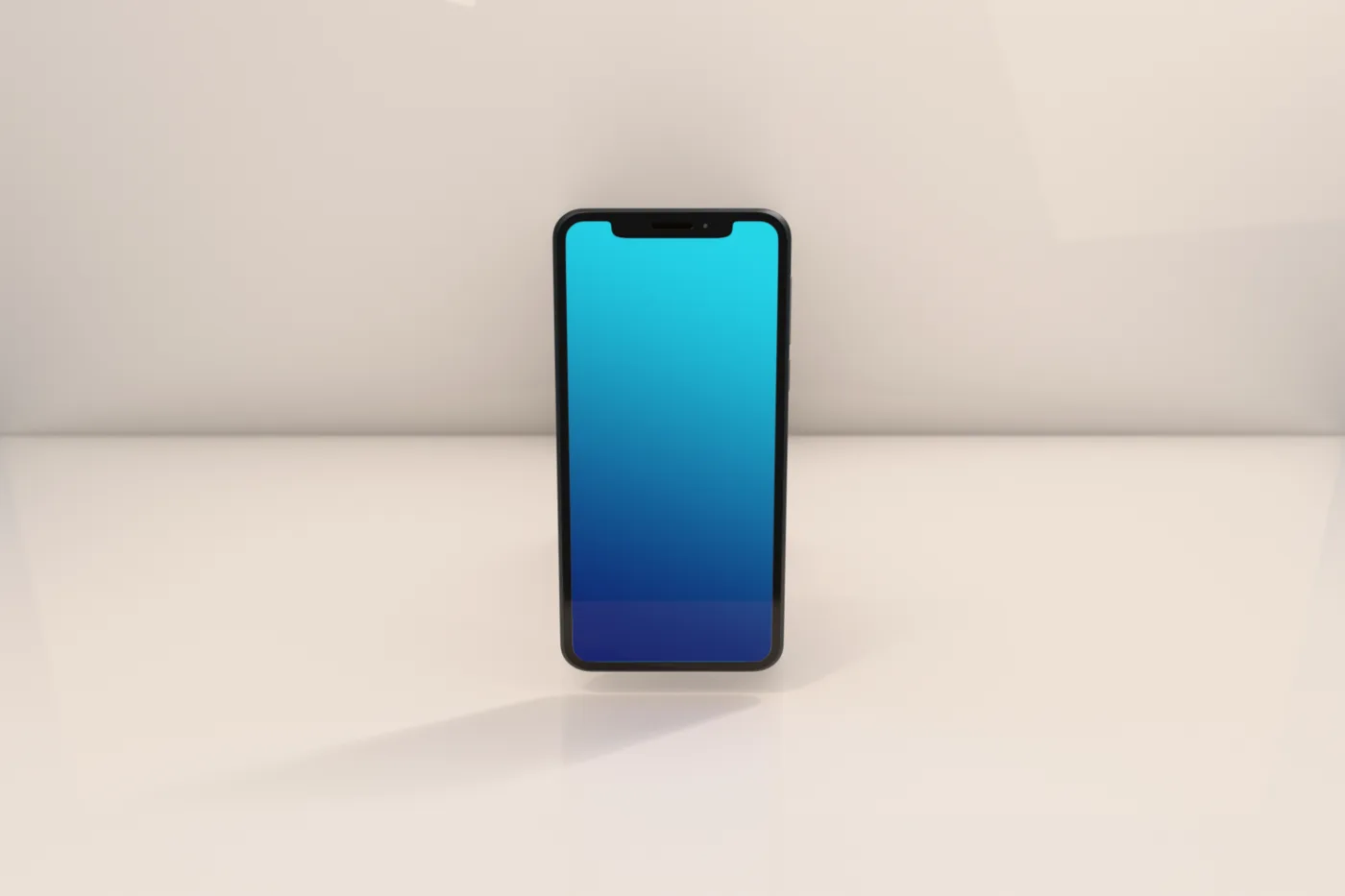
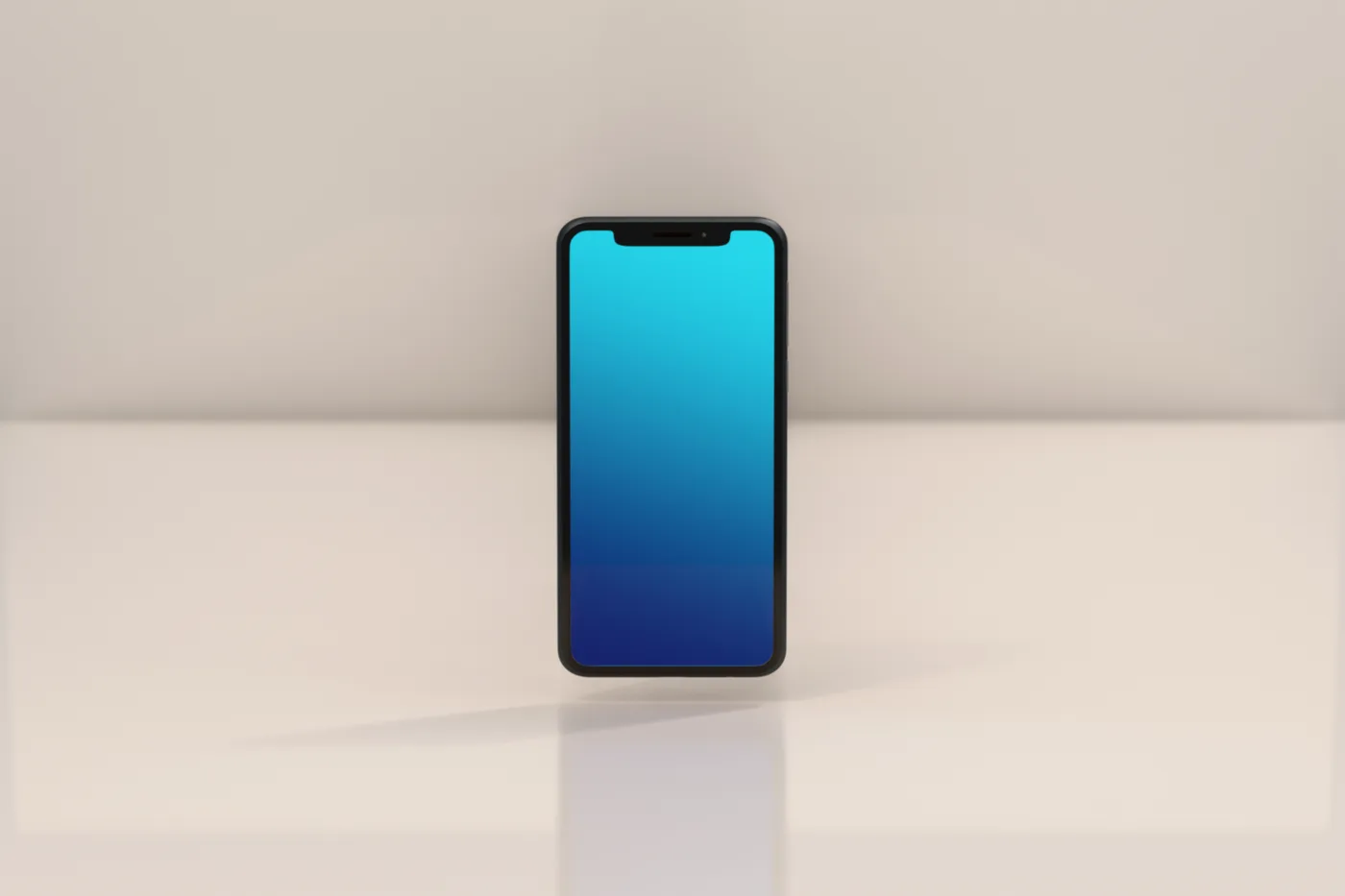
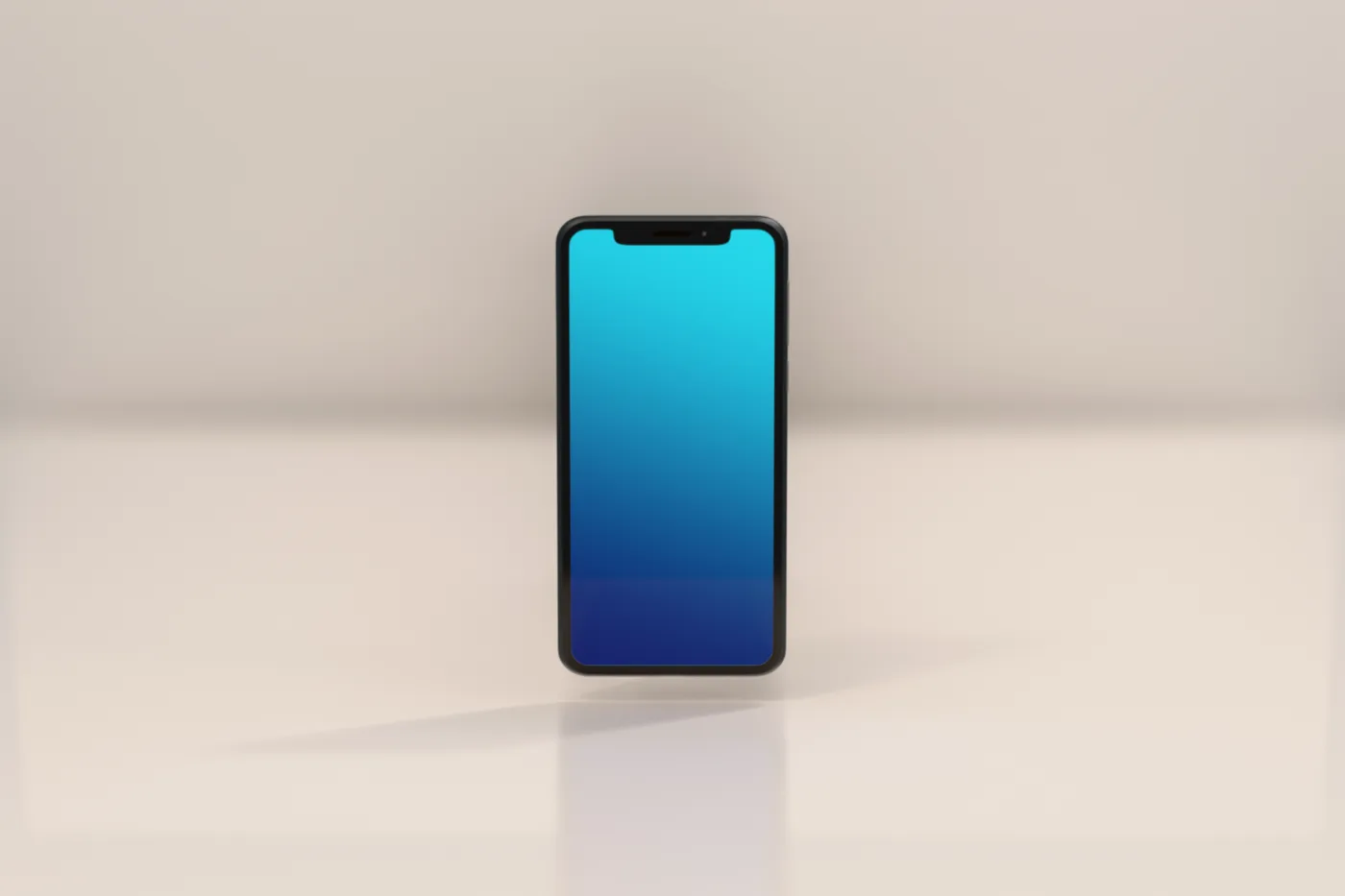
Same product size, different focal length — so what changes is compression and how much studio is in frame. Then open the aperture for a shallow, creamy background.
07Render & ship
Pick your engine
EEVEE for instant, near-final looks; Cycles when you want the last few percent of reflection and shadow accuracy.
Frame it
Use Look Through Camera to compose by orbiting, or set focal + depth of field for the shot you want.
Render
F12, then Image → Save As. Every shot in this guide is a straight EEVEE render — no compositing.
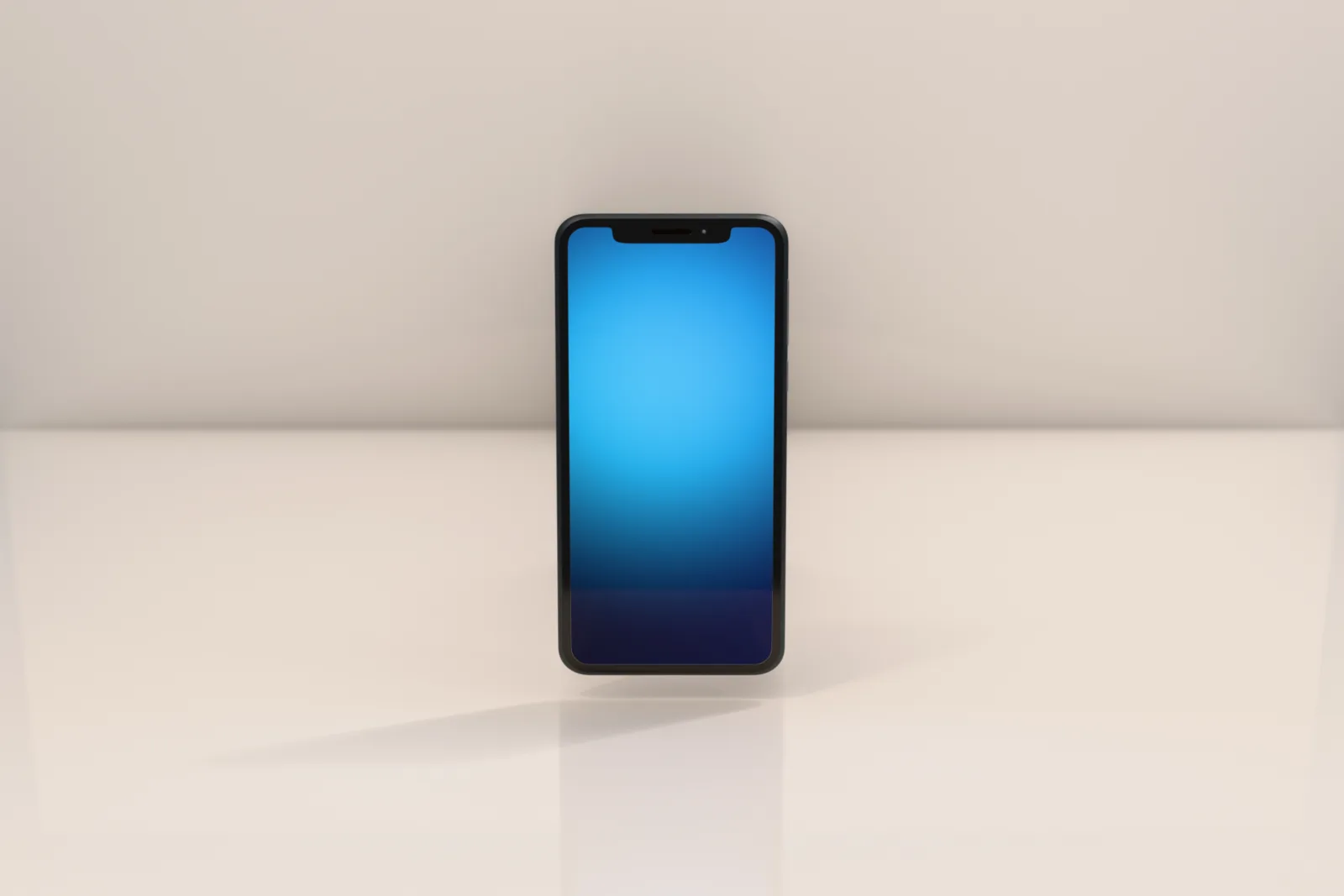
One studio, any product. The rig scales as a unit, so the calibrated lighting that shot this phone shoots a sneaker, a bottle, or a car with the same one-button setup. Bring your product; the studio's already lit.
08Something not working?
The questions people actually hit. Tap one to open it.
Which file do I install?
Studio Stage ships as a single add-on file, zipped up as studio_stage-1.1.4.zip (the number matches whatever version you downloaded). In Blender: Edit → Preferences → Add-ons → Install…, pick the .zip — don't unzip it first. Blender installs the add-on from inside it.
This only goes in through the classic Add-ons tab — Studio Stage doesn't use Blender's newer "Get Extensions" install route, so if you land there by habit, back out to Add-ons.
It installed, but there's no Studio Stage tab.
Hover over the 3D viewport and press N. No Studio Stage tab there means the add-on is installed but switched off — tick its checkbox in Edit → Preferences → Add-ons (search "Studio Stage").
I clicked "Use My Object" and got a warning.
Studio Stage tells you exactly what's missing. "Build the studio first" means you haven't clicked Build Studio yet. "Select your product first" means nothing is active in the viewport — click your object, then try again. "Pick your own product, not a Studio Stage object" means you selected a piece of the rig itself (a light, the camera, the sweep) instead of the thing you're shooting.
Which Blender versions does it work with?
Blender 4.2 or newer. Version 1.1.4 is checked installing, building the studio, and framing on a test object in Blender 4.2 LTS.
I lost my download link.
The page you bought from (frame.startingframe.com/store/buy/studio-stage) is a permanent link. If you didn't keep it, email us from the address you bought with and we'll send it again.
Still stuck? Tell us.
A real person reads every message, and bugs get fixed. Include these three things and we can usually find it on the first reply:
- your Blender version (Help → About)
- which step you were on
- what happened, and any error message word for word (a screenshot is perfect)
$Get Studio Stage
Buy it once. Shoot forever.
Studio Stage is a $39 one-time Blender add-on — no subscription. Buy it, install the zip, and it's yours on your machine. GPL-3.0, EEVEE + Cycles, bring your own HDRI.
Starting Frame annual members get it free, along with the rest of the product library.
Starting Frame. — the guide · startingframe.com
Studio Stage · a product-photography studio in one click.