Cut it, and put things on it.
Cut a video in your browser, free and with no watermark, then put things on it — kinetic text, lower thirds, chat bubbles, motion backgrounds, a talking LED face. And when the work starts in Blender, bake the camera out so it lands in Resolve or After Effects matching exactly.
A free video editor in your browser — cuts, b-roll, music, subtitles, graphics. No watermark, nothing uploaded.
Open
Kinetic typography you tune in the browser and export with alpha.
Open
Lower thirds and emphasis cards with a spring entrance.
Open
Message-bubble conversations that type, pop and land on the beat.
Open
Drifting 2D fields and tumbling 3D solids — alpha and depth-matte export.
Open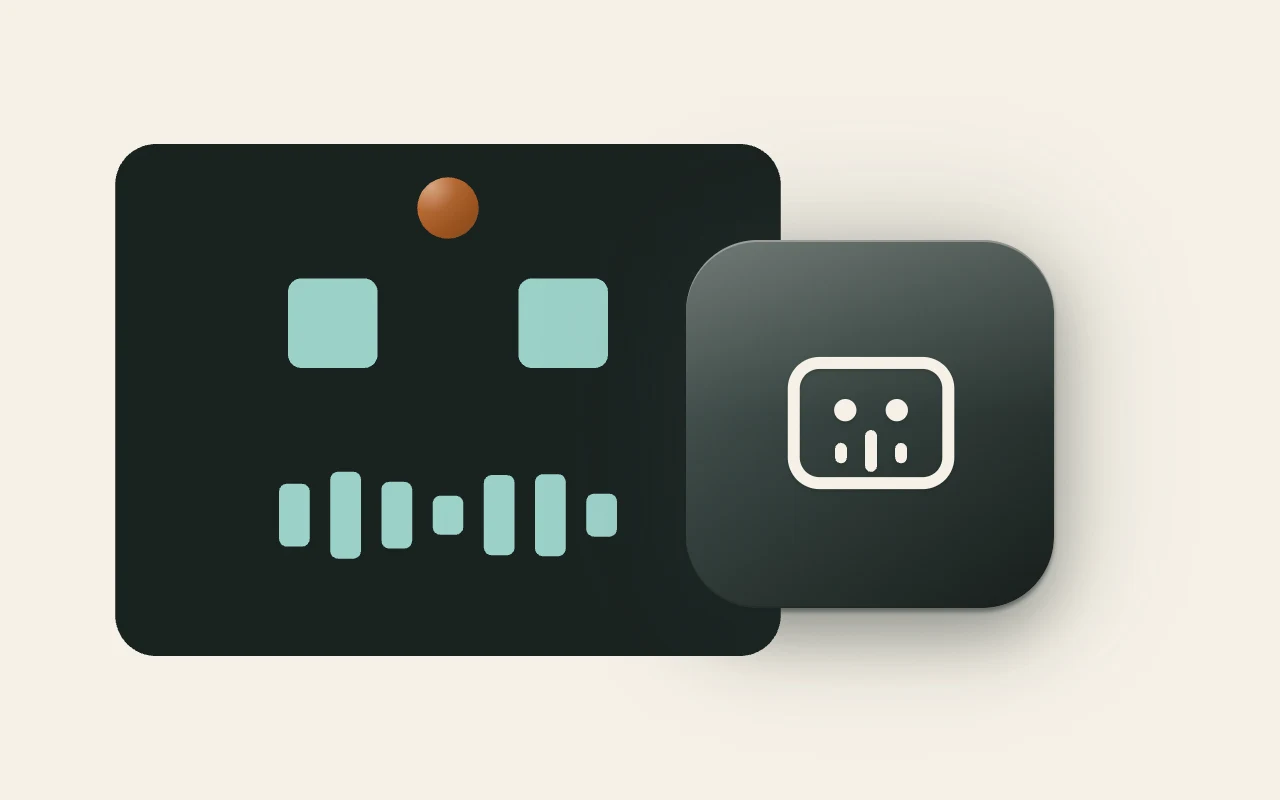
A subtitle file becomes a talking LED robot face. Five looks, offline.
Open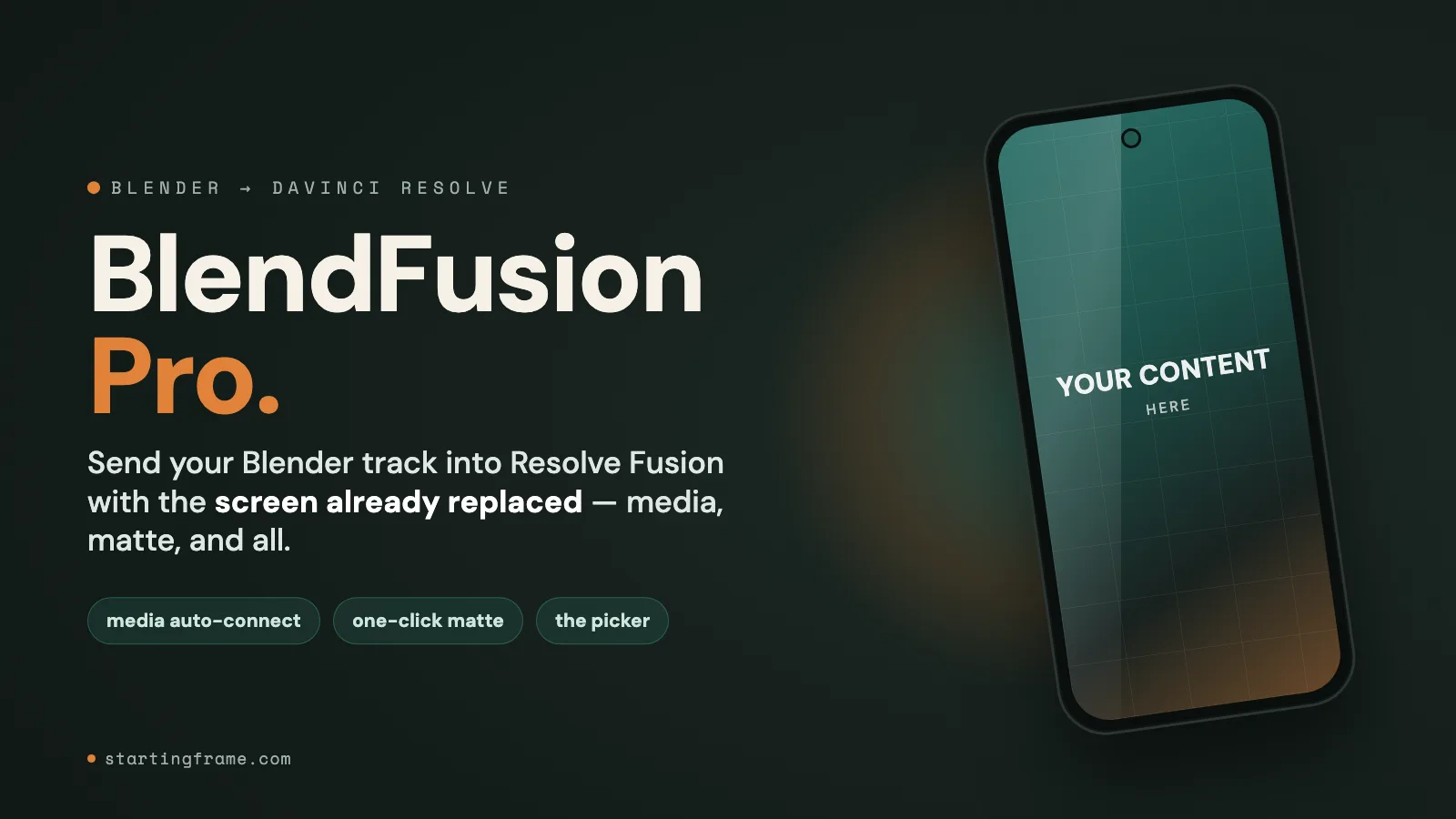
Blender to DaVinci Resolve — bakes camera and objects to a native .comp.
Open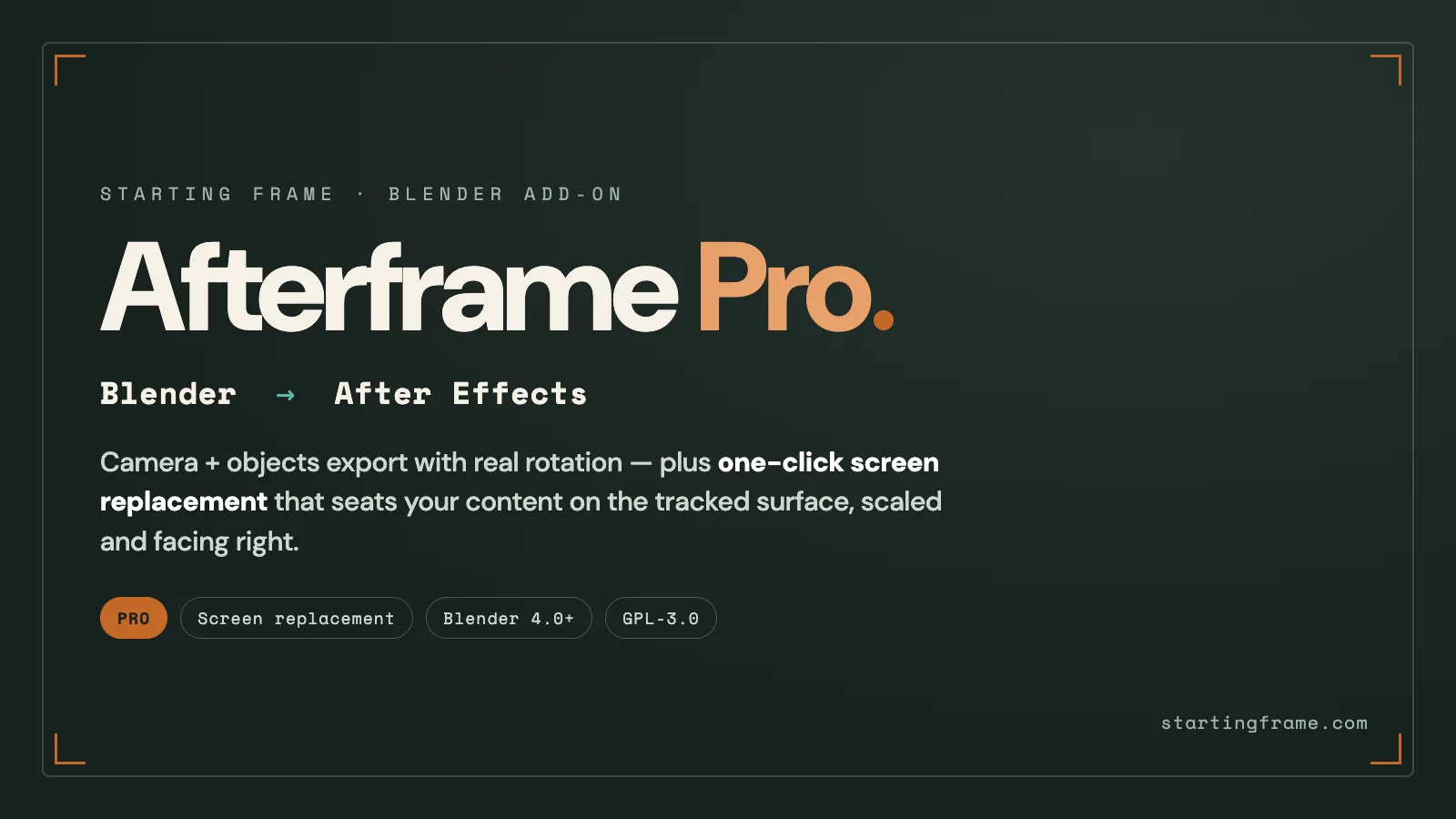
Blender to After Effects — camera and nulls in a self-contained .jsx.
Open