Send your Blender camera into DaVinci Resolve.
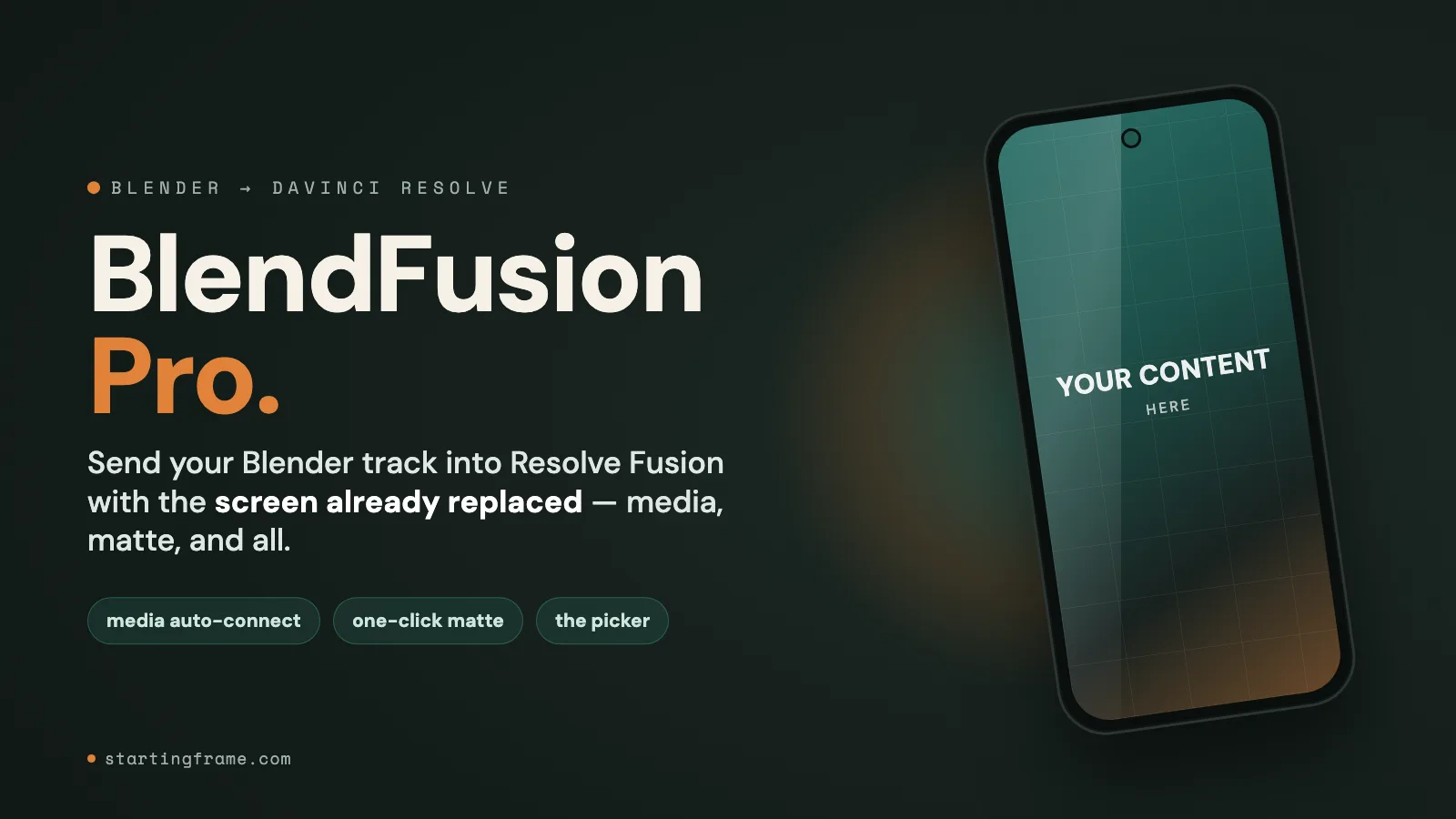
BlendFusion sends a Blender camera and tracked objects straight into DaVinci Resolve Fusion as a native .comp — animation baked, the 3D scene aligned. Replace a screen or build a comp around a camera move without rebuilding the track by hand.
One-time purchase · no subscription · no account needed
What it does.
Carry a Blender camera move into DaVinci Resolve without rebuilding the track by hand.
A native Fusion .comp — nothing to re-track
Your Blender camera and tracked objects arrive in Resolve as a real Fusion composition, animation baked frame-for-frame and the 3D scene aligned. No hand-matching a track that already exists.
One-click screen replacement
Pro seats your content on the tracked surface with the real glass shape and an occlusion matte, so it sits behind whatever passes in front — no manual corner-pinning.
Media auto-connect & role picker
Point BlendFusion Pro at your footage and it wires the media into the comp, with a role picker so the right clip lands on the right surface.
Built for a real workflow
Works with Blender 3.6+ and DaVinci Resolve 18+. One-time purchase, no subscription and no account required.
Buy it once. Keep it forever.
BlendFusion Pro is a $49 one-time purchase — no subscription, no account. Everything is included; there are no tiers.
Questions.
What is BlendFusion?
BlendFusion sends a Blender camera and tracked objects straight into DaVinci Resolve Fusion as a native .comp — animation baked and the 3D scene aligned — so you can replace a screen or build a comp around a camera move without rebuilding the track by hand.
Do I have to re-track the shot in Resolve?
No. That is the point — the camera and objects come in already baked and aligned as a native Fusion .comp, so you skip re-tracking entirely.
What do I get for $49?
Everything: the camera and scene exporter, one-click screen replacement with an occlusion matte, and media auto-connect with a role picker. One-time purchase, no subscription, no tiers.
Which versions does it need?
Blender 3.6 or newer and DaVinci Resolve 18 or newer.
Do I need an account?
No. It is a one-time purchase through Starting Frame's own checkout, and the download link is yours immediately after.