Roll anything to a mark — the way its shape would.
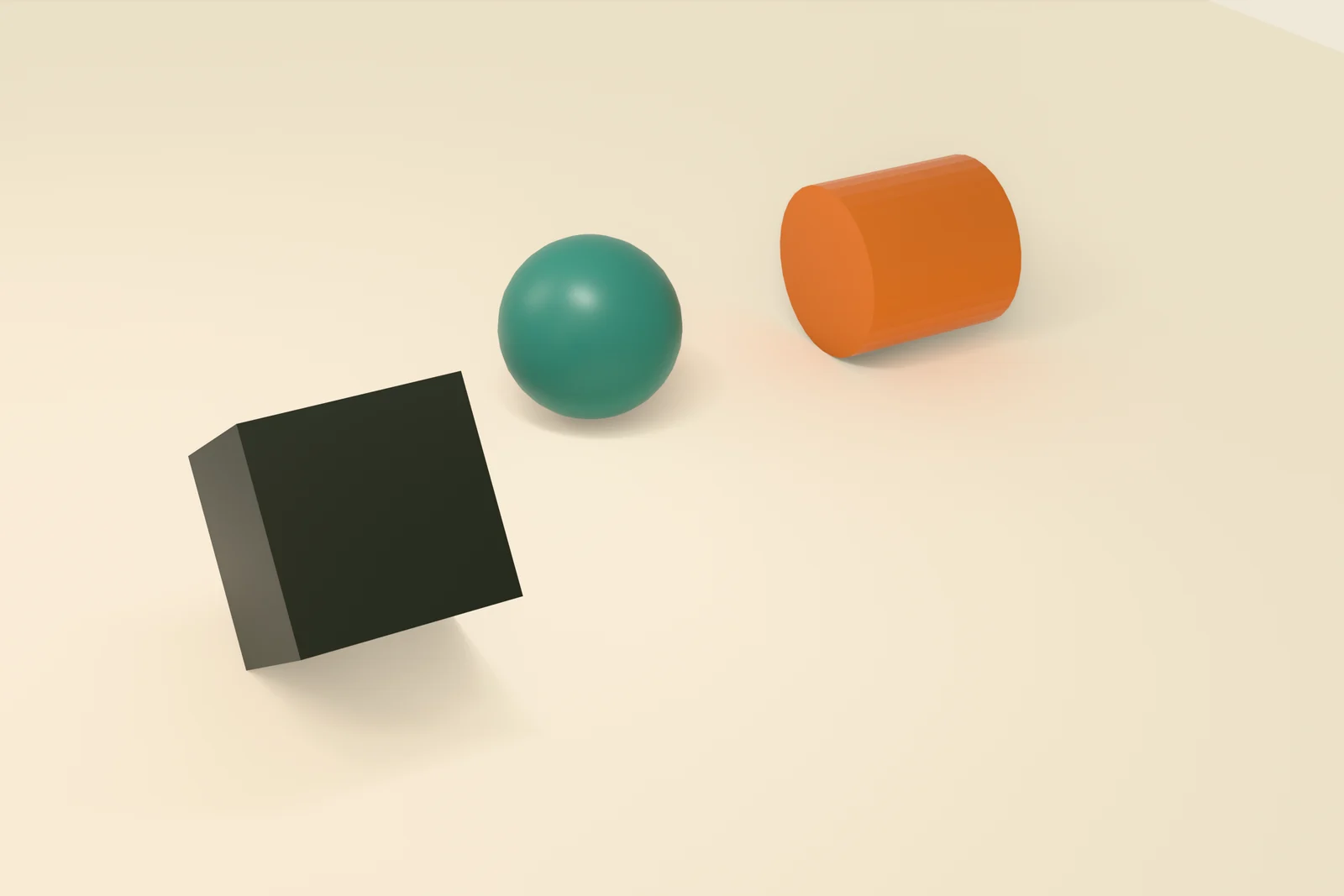
Tumbol rolls and tumbles any object to a point you mark. Boxes tumble edge over edge, balls roll in a smooth arc, cylinders roll and steer like a car tire — across floors, walls, and ceilings. It's directed animation, baked to editable keyframes, not a physics sim.
One-time purchase · no subscription · GPL-3.0 · yours to keep
What it does.
Mark a point, pick a style, and let any object roll itself there — then keep the keyframes.
Roll to a point you mark
Attach an object to a surface, move the 3D cursor to where it should land, and click Roll. It rolls from its spot to the marker — move the marker and roll again as many times as you like.
Up walls and across ceilings
Attach to a floor, a wall, or a ceiling and the object sticks and rolls along that surface — a box tumbling up a wall, a wheel steering across a ceiling. The move nothing else does easily.
Directed animation, not a sim
Everything bakes to normal, editable keyframes — no solver, no cache. Get the roll you asked for, then hand-tweak the curves like any other animation.
Choreograph several at once
Give each object its own Start frame to stagger a whole group on one timeline. A consistent Speed keeps near and far rolls moving at the same pace, or set an exact frame length.
Direct or curved paths
Send it straight to the marker, or sweep it there on an arc — the Bow control sets how wide the curve is, and a negative Bow swings it the other way.
Local, single-file add-on
One GPL-3.0 zip, installed from disk. It works offline, on your machine — nothing to sign into, nothing that phones home.
Three modes, one for each shape.
Pick the mode that matches your object and it rolls the way that shape actually would.
Tumbles edge over edge. Stair-steps to reach an off-axis marker and settles flat on a face.
Rolls smoothly along the surface to the marker, in a straight line or a sweeping arc.
Rolls upright on its round edge and steers toward the marker like a car wheel.
Buy it once. Roll forever.
A single-file Blender add-on, $29 one-time — no subscription. Install the zip and it's yours on your machine, GPL-3.0.
Questions.
What is Tumbol?
Tumbol is a Blender add-on that rolls and tumbles any object to a point you mark — the way its shape would actually roll. Boxes tumble edge over edge, balls roll in a smooth arc, and cylinders roll and steer like a car tire, across floors, walls, and ceilings. It bakes the motion to normal, editable keyframes.
Is it a physics simulation?
No — Tumbol is directed animation, not a sim. You mark where the object should end up and it rolls there in the style you pick, then bakes the result to ordinary keyframes you can tweak by hand afterward. No solver, no baking a cache, nothing unpredictable.
What can it roll?
Three modes cover most shapes: Rock tumbles boxes and angular objects edge over edge; Ball rolls spheres in a smooth arc; Wheel rolls cylinders upright on their round edge and steers them toward the marker like a car wheel.
Can objects roll up walls or across ceilings?
Yes — that is the headline. Attach an object to a floor, a wall, or a ceiling and it sticks and rolls along that surface, including hanging upside down on a ceiling. Flat surfaces for now.
Can I choreograph several objects at once?
Yes. Every object gets its own Start frame, so you can stagger a box, a ball, and a cylinder to roll one after another on a single timeline. A consistent Speed keeps every roll moving at the same pace, near or far, or you can set an exact frame length.
Is Tumbol a subscription?
No. Tumbol is a one-time purchase — $29, yours to keep. Install the zip in Blender and it works forever, on your machine, offline. No subscription, and no account required to buy it.
Which Blender versions does it need?
Blender 4.2 or newer. It is a single-file add-on (GPL-3.0) — install the zip from disk and enable it, and the Tumbol tab appears in the 3D viewport sidebar.