Call your show from one rundown.
Crew, prompter and OBS follow the cue. Next runs the show; the script goes to the prompter, each cue cuts OBS or vMix and fires your Scene graphics, and the quote and releases sit beside it. Membership is $24/mo with a 14-day free trial, and every tool is free on its own.
The rundown that drives your show floor — timing, roles, back-timing.
Open
A teleprompter that respects your script — operator and talent, live.
Open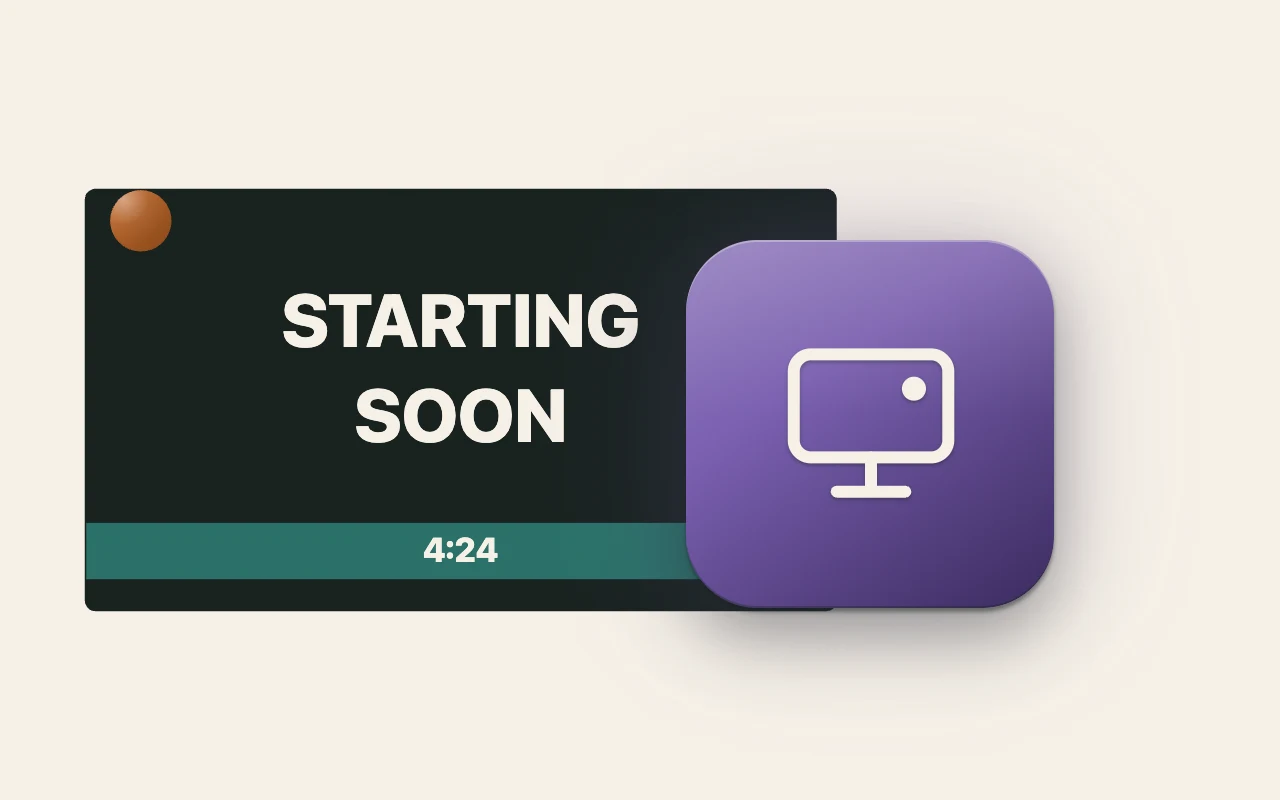
Starting Soon, BRB, Live and Ending screens for OBS — one browser-source URL.
Open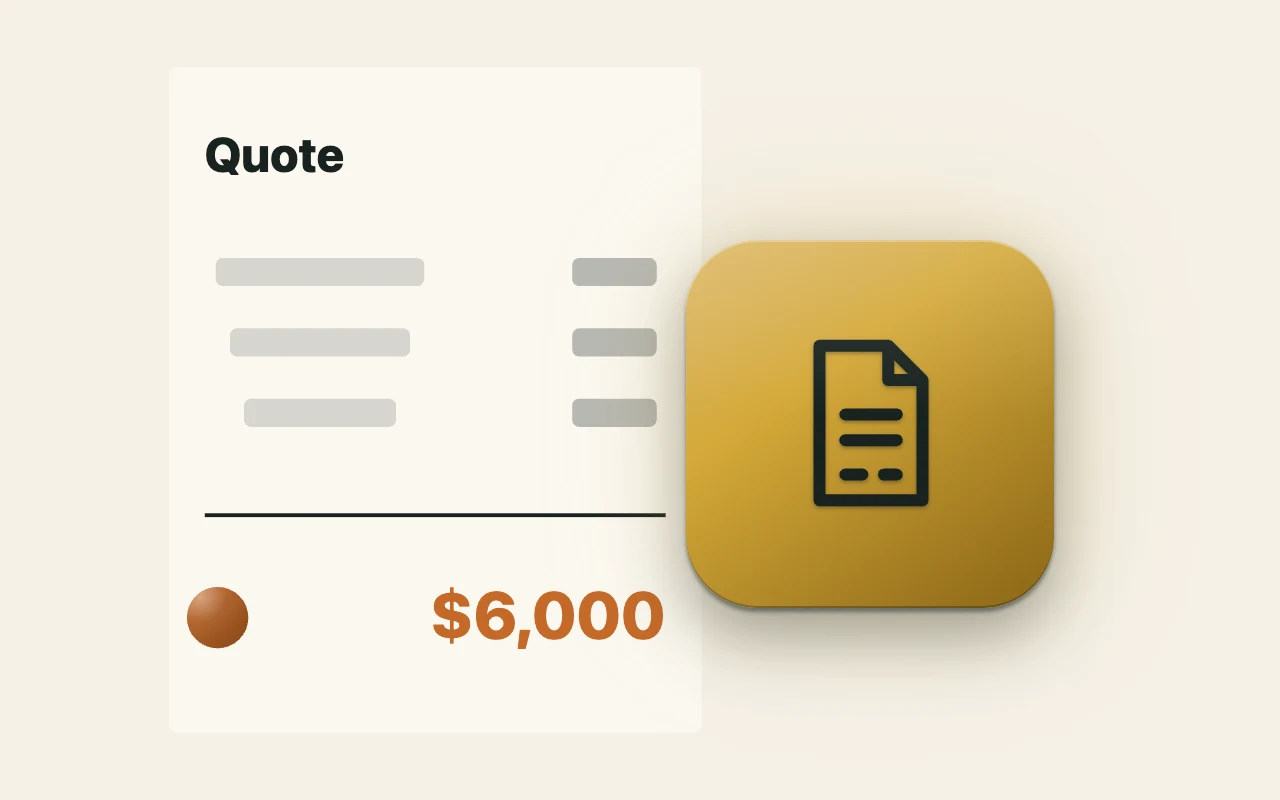
Production quotes typed into the document. Free to build; converting to the invoice — deposit subtracted, to the cent — is part of membership.
Open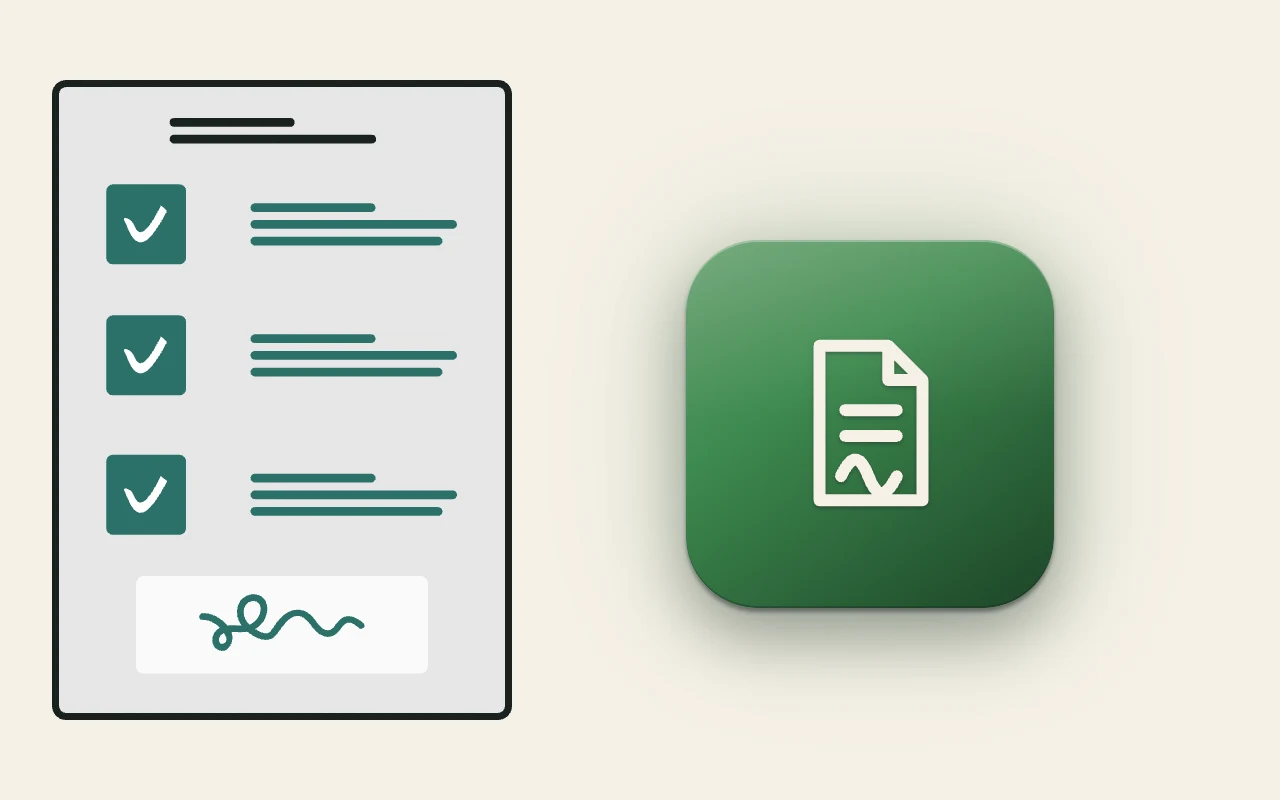
Appearance releases signed on a phone — a QR on set, a signed PDF back.
OpenRecently added
- Production Suite · Week of October 19
Next, Just Read It, Scene, Quote and Release now sit together as the Production Suite, on one page with the five-minute Next walkthrough and a demo show you can open without signing up.
- Next · Week of October 5
Each call can now cut vMix too. In Run mode, the OBS button is now called Switcher. Create a switcher link, press Copy vMix script, paste it into vMix under Settings → Scripting, and each call cuts vMix to the input named in the row's Source cell, with vMix's enhanced security left on. Scripting is part of vMix 4K, Pro and MAX. Tested on vMix 29 on Windows 11.